ProPresenter
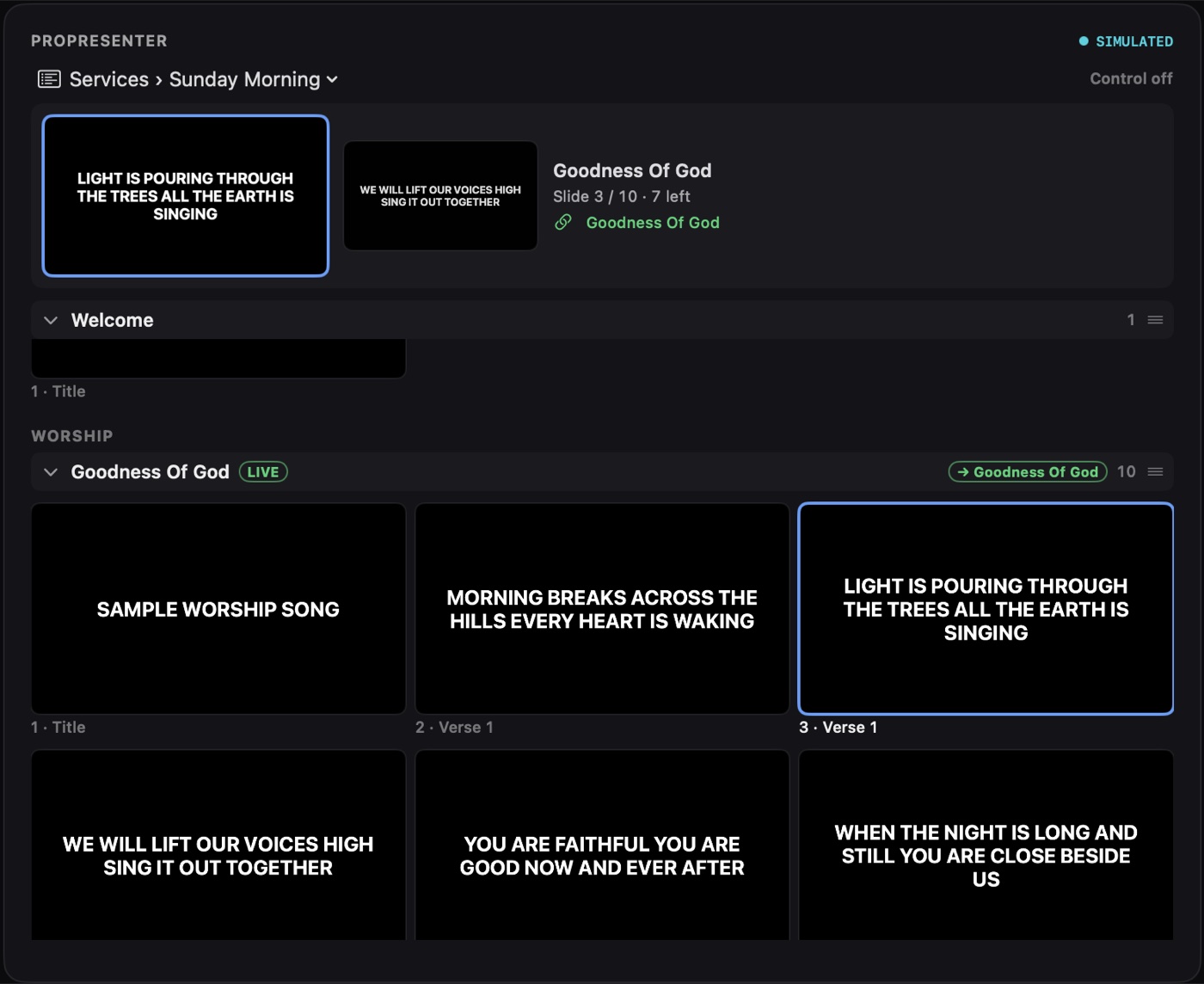
Your selected playlist as thumbnails, laid out like ProPresenter. The live slide gets a blue outline and a LIVE tag, and a live strip shows the current and next slide with "Slide 3 / 10 · 7 left". Follow ProPresenter automatically, auto-scroll to the live slide, and choose small, medium or large tiles. With control on and the card unlocked, click to fire a slide, step next and previous, clear layers and run macros.
Planning Center
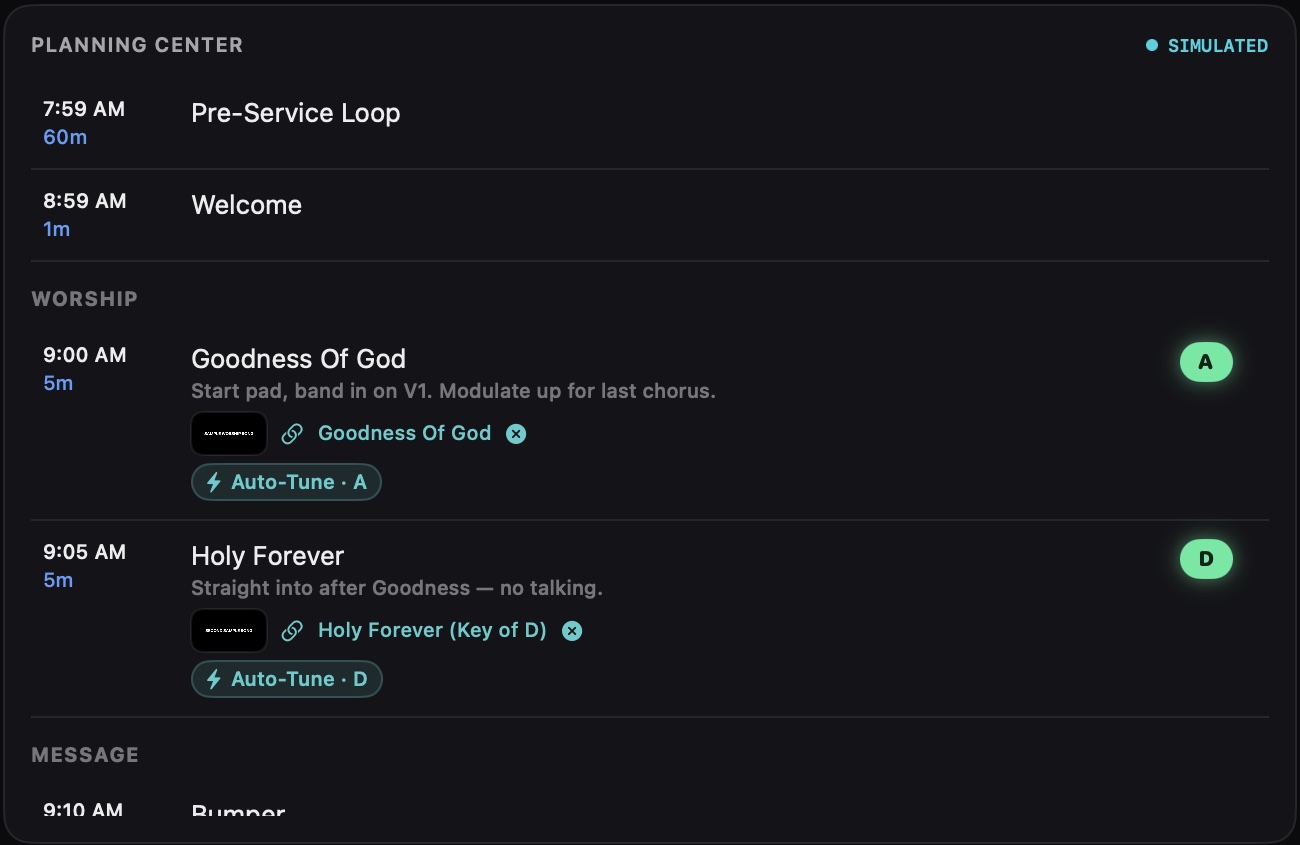
The plan's run of service by section, with start times, lengths, song keys as colored badges and item notes. The live item is highlighted with a countdown, and linked ProPresenter slides show a thumbnail on their row.
Service Timing
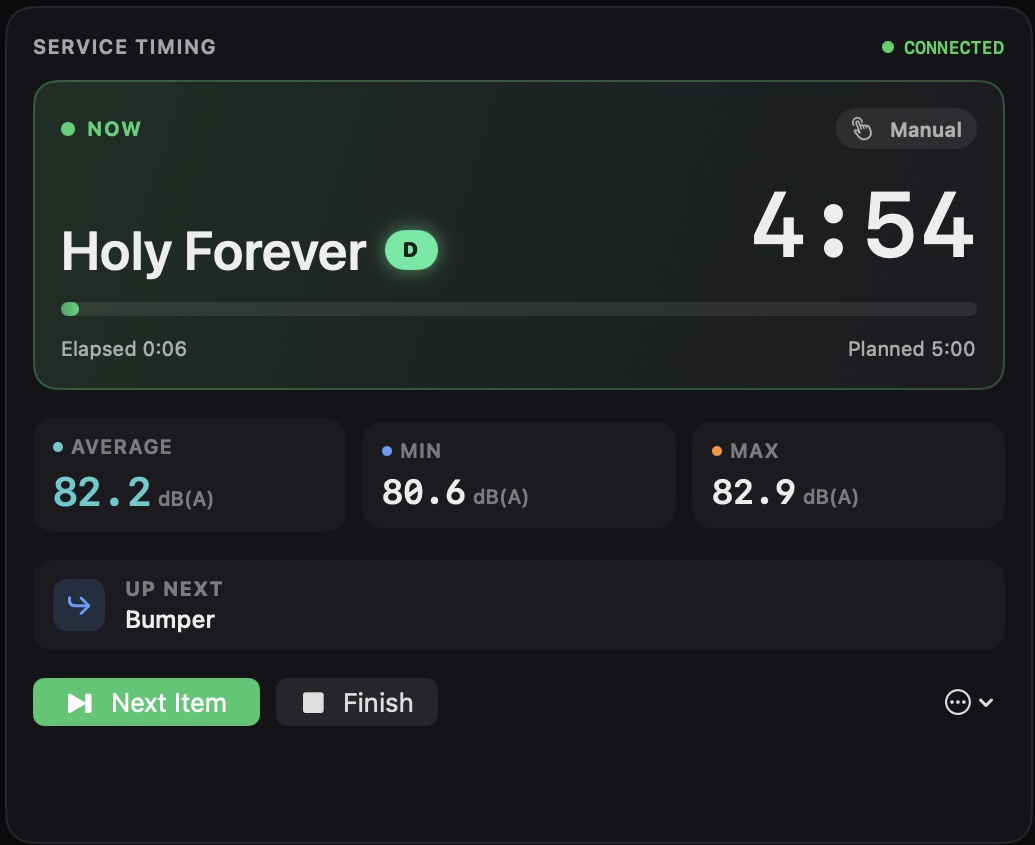
Times each item as it actually happens. Starts on its own at service time or when ProPresenter reaches linked content, or run it by hand. Runs red and counts up when an item goes long, and logs each item's average, minimum and maximum loudness.
Checklist
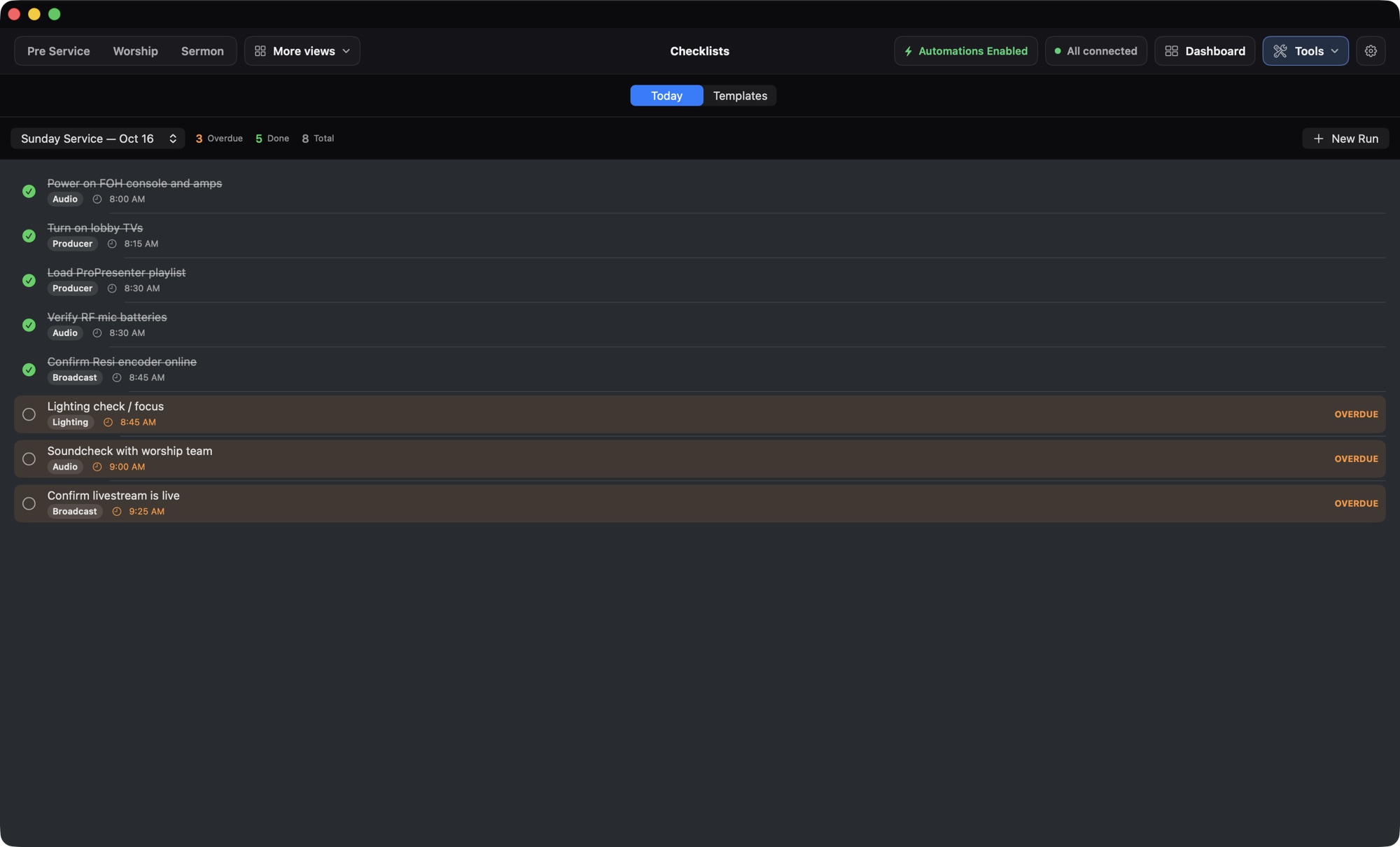
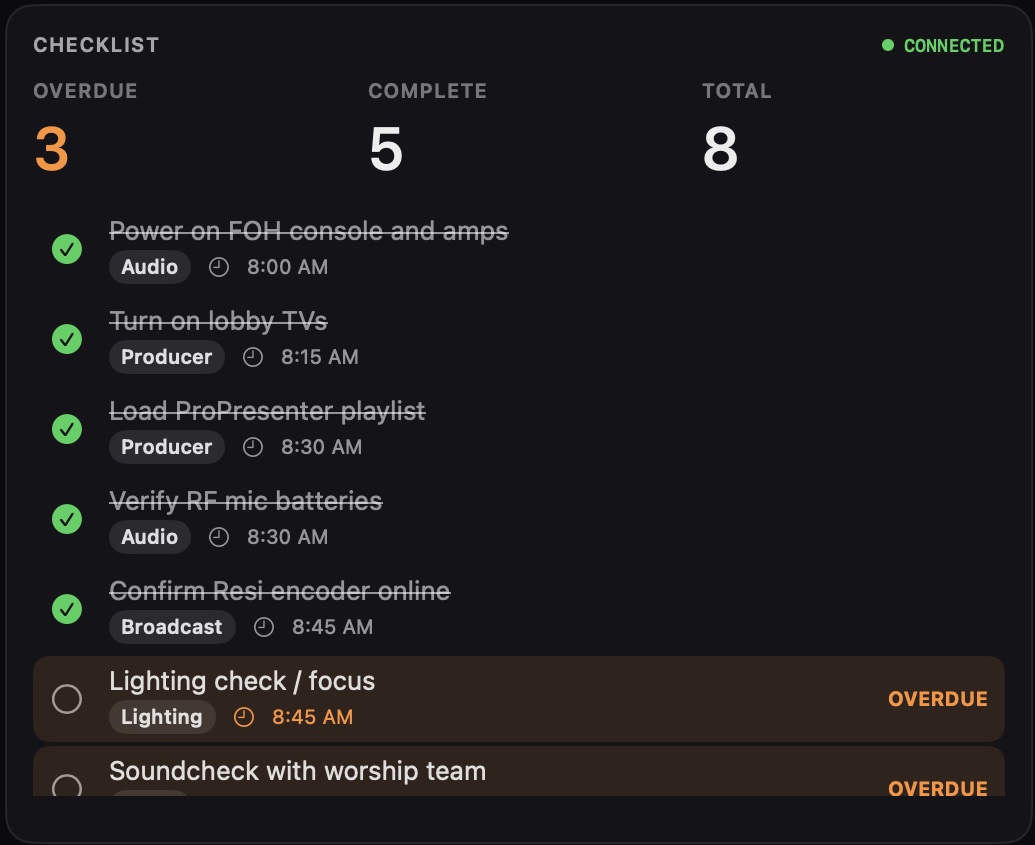
Today's run of your pre-service checklist. Items carry a role and a due time, overdue items glow orange, and counters show what's overdue, complete and left.
Shure Mics
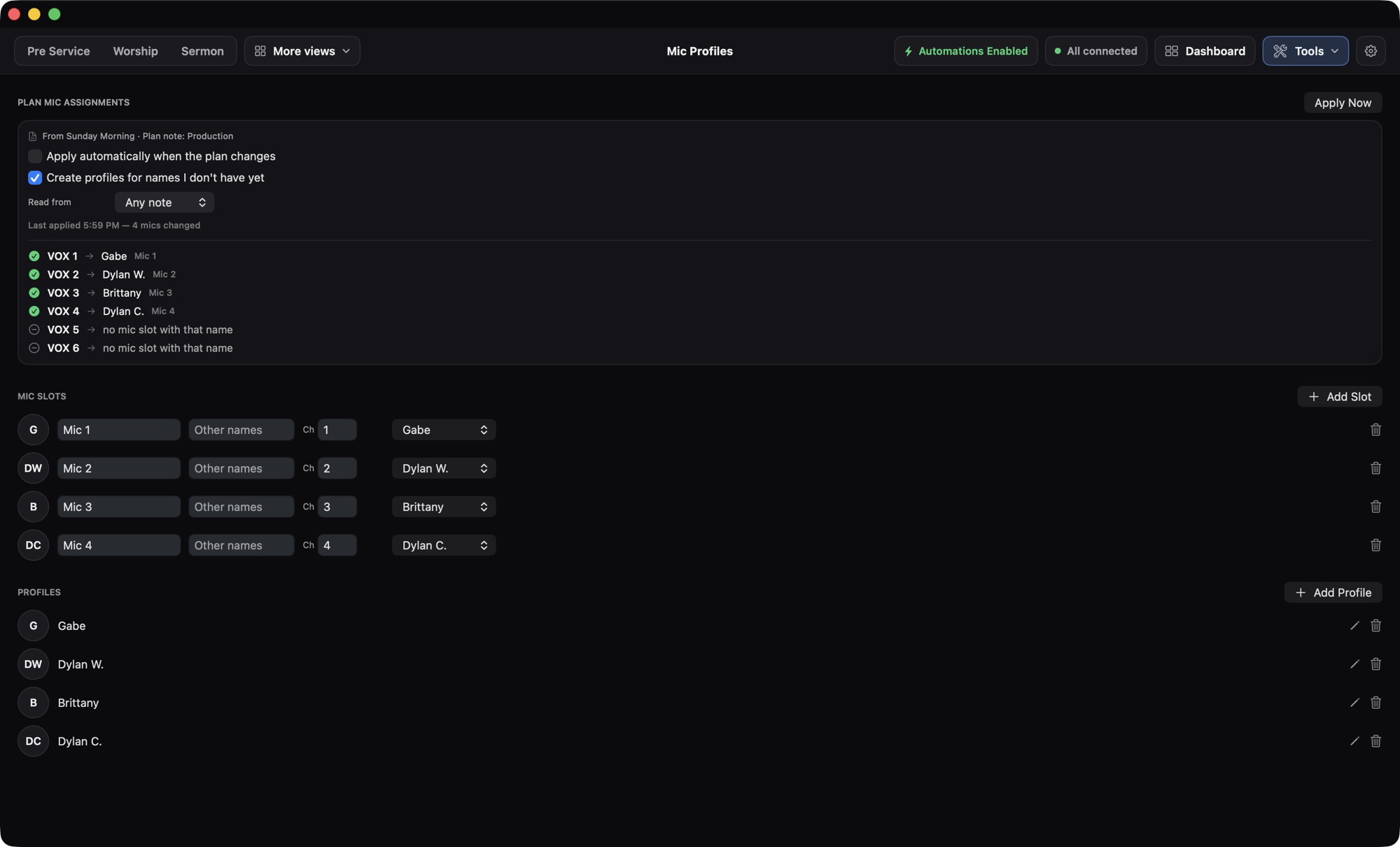
One tile per wireless mic: who's on it, the channel, RF bars, battery percentage and whether the transmitter is off. Supports multiple receivers.

SPL Meter
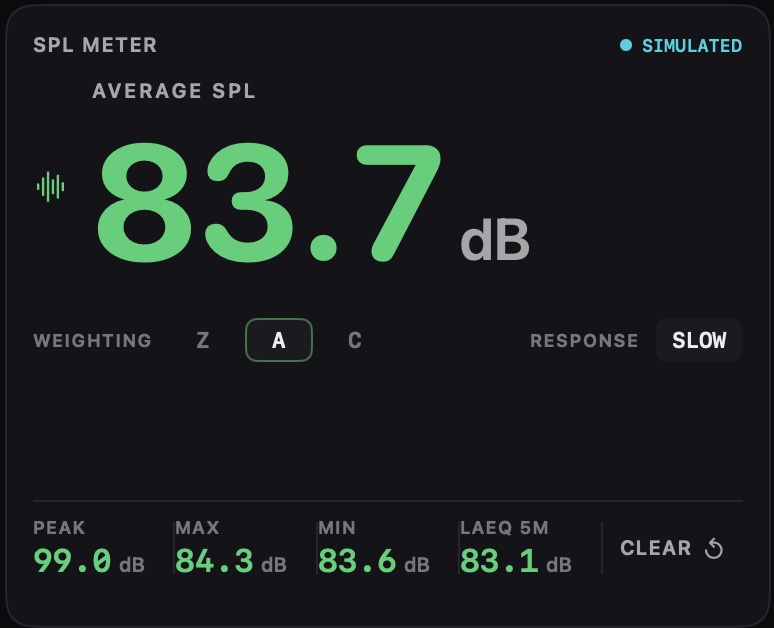
A big average SPL readout with Z, A or C weighting, fast or slow response, and peak, max, min and LAeq. Set loudness warnings for when the room gets too loud.
SPL + RTA
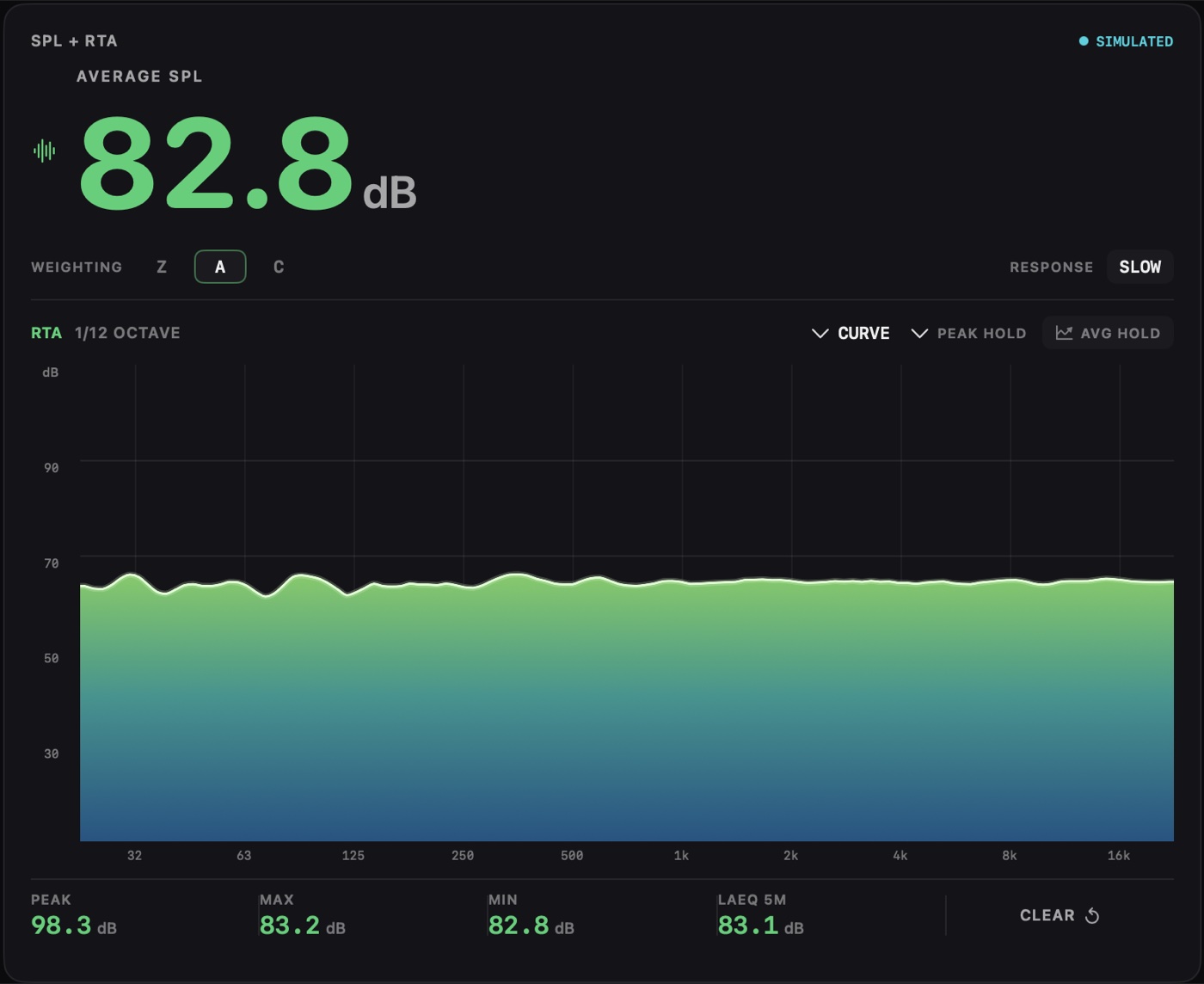
Everything on the SPL Meter plus a 1/12-octave spectrum, drawn as bars or a smooth curve, with optional Peak Hold and a whole-service Average Hold.
Resi
A muted live preview of your Resi stream with a LIVE or OFFLINE badge and the event name. With control on, Go Live and Stop Stream each ask you to confirm.
YouTube Live and Facebook Live
A muted 16:9 preview, a LIVE badge, the stream title and current viewers, or "Unavailable", never a fake zero. Read-only.
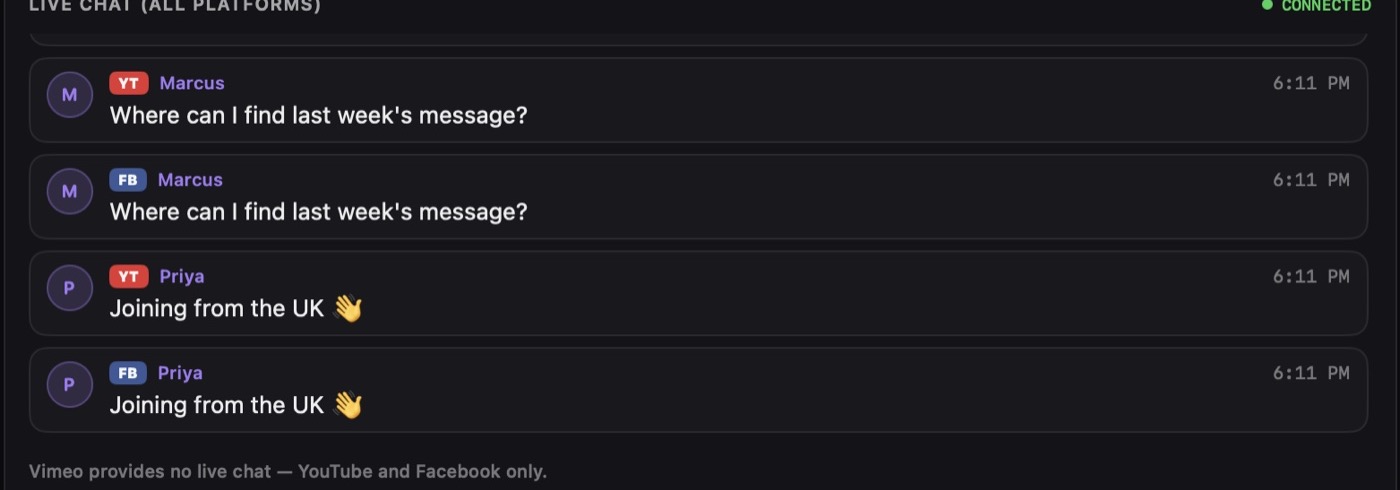
Live Chat (All Platforms)
YouTube and Facebook comments in one feed, each badged YT or FB, so the team watches one chat instead of two.
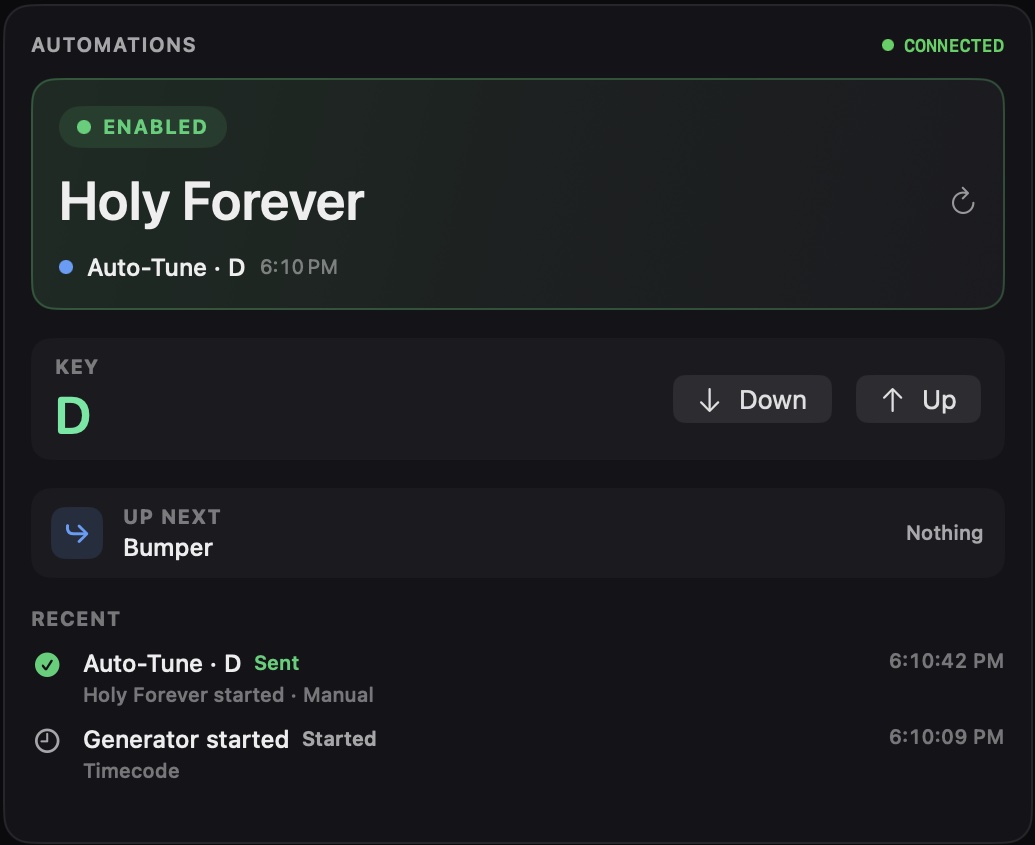
Automations
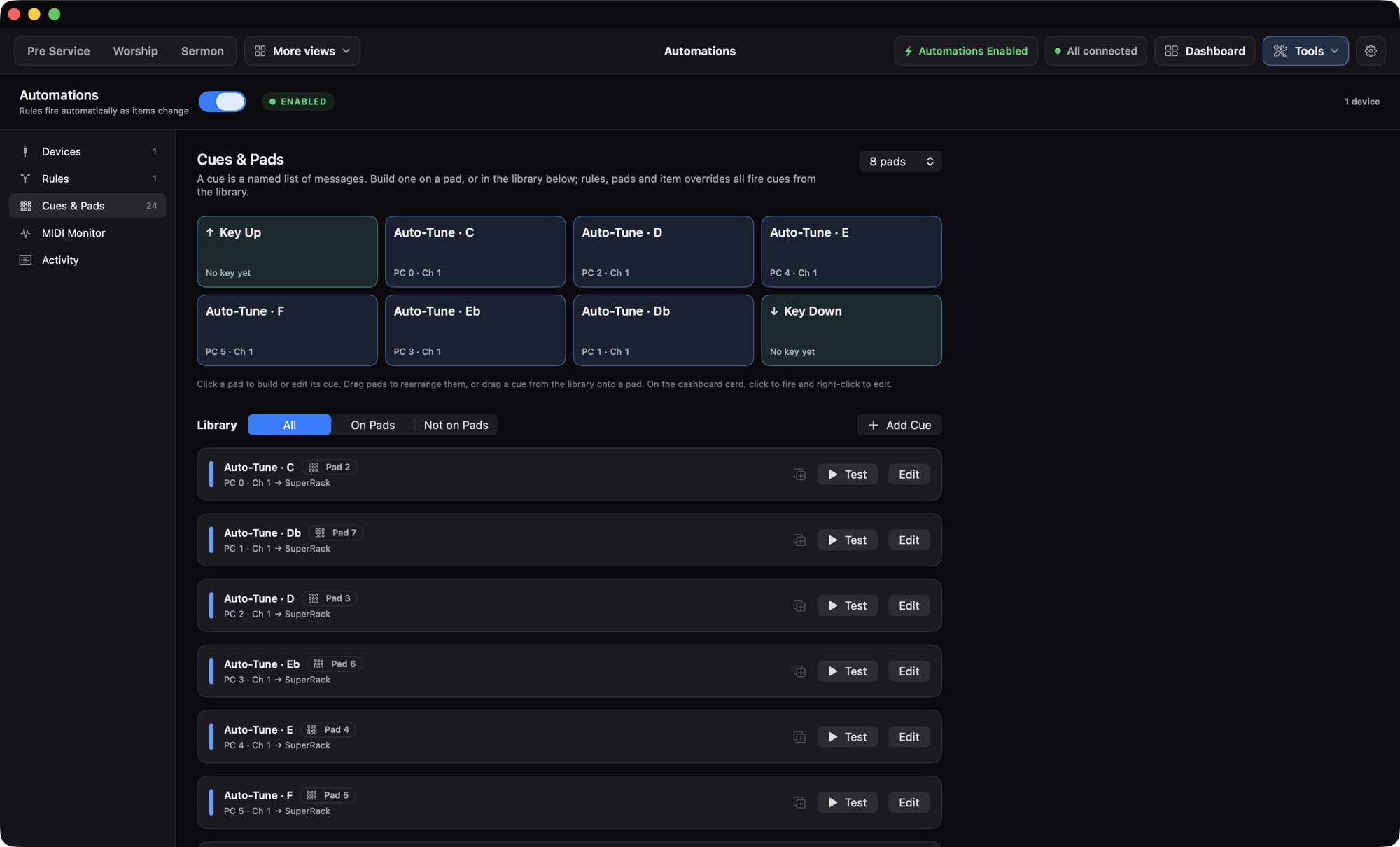
The automation engine, live: the current item, the cue that fired for it, the song key with Key Up and Key Down, what's next, and recently fired cues.
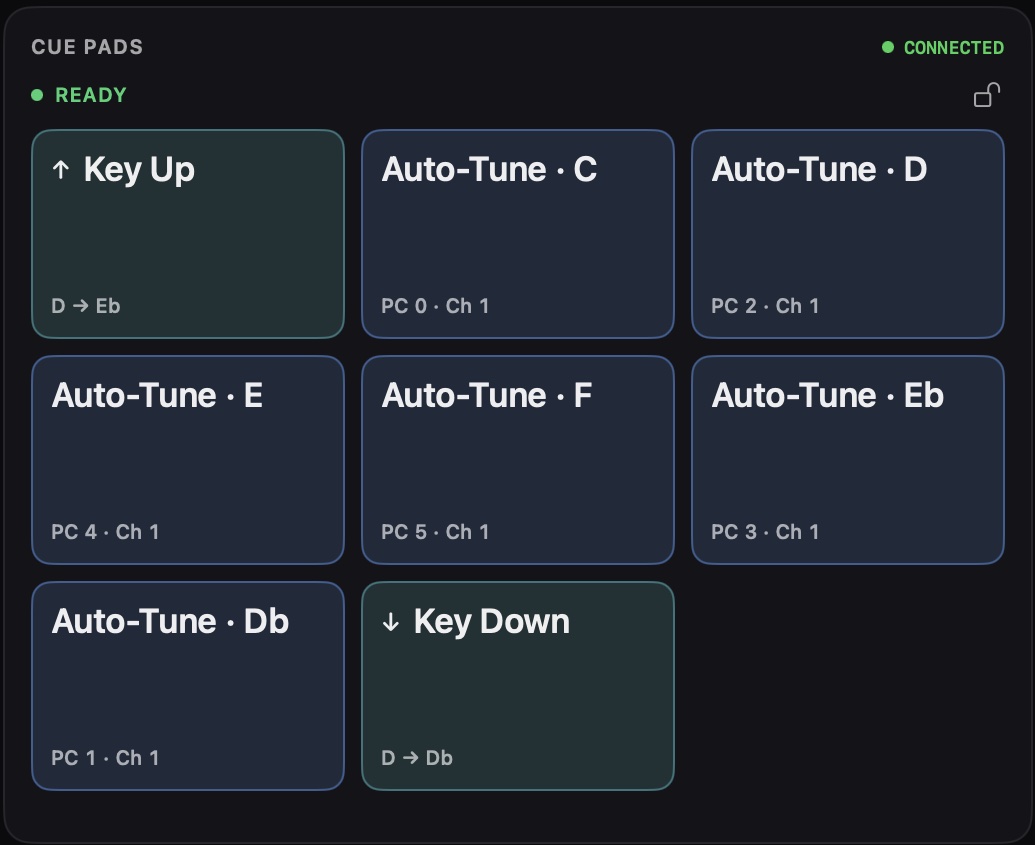
Cue Pads
4 to 16 big buttons. Each fires a cue of MIDI, Companion or HTTP messages, or an app command like Key Up or Next Item. Companion pads show the real button image. Pads can be locked.
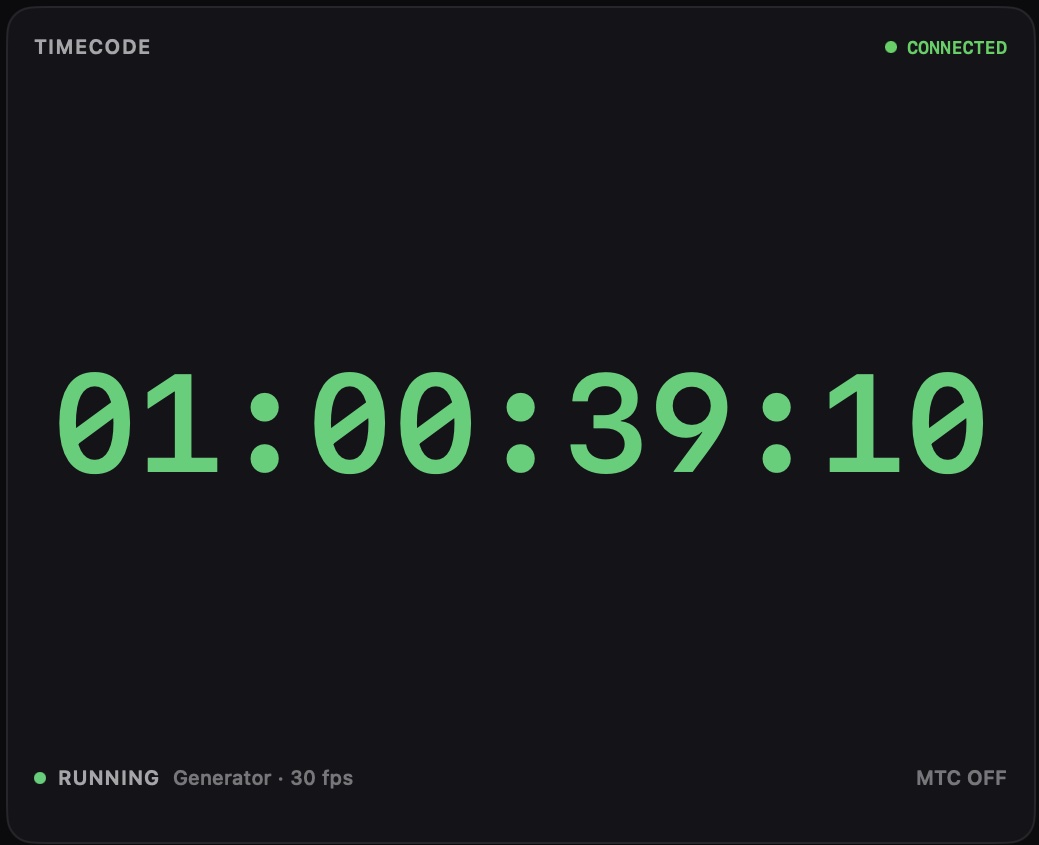
Timecode
A large readout, green while running. Generate timecode, follow time of day, or read LTC from an audio input, and send MIDI Timecode to your devices.
Spotify
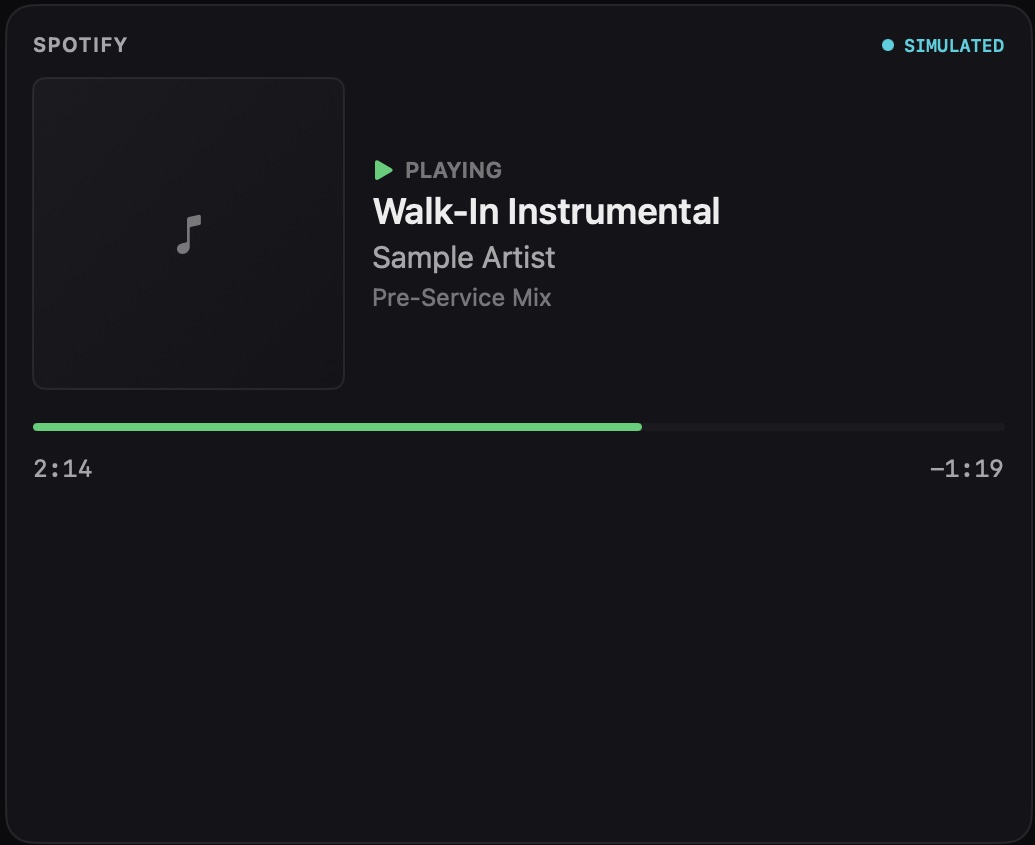
What's playing on the booth Mac with album art and a live playhead. With control on: play, pause, skip, seek, and Fade & Pause to ramp walk-in music down smoothly.
Service Clock
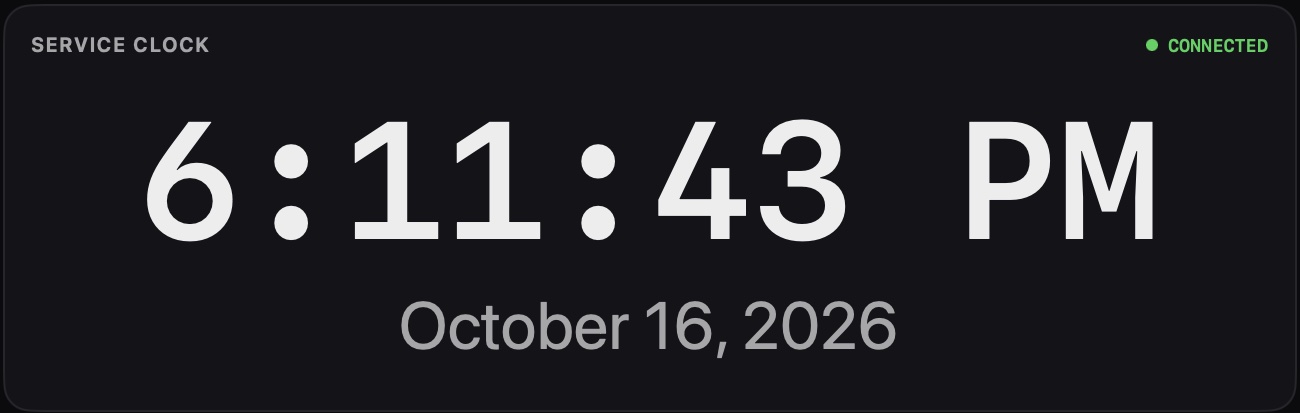
A large time-of-day clock and date. Monospaced digits mean it never jitters.
Quick Cues
Eight one-click slots for what you need instantly, whatever is live: an announcement video, a "please stand" slide, a blackout. Drag a slide or media item onto a slot from the ProPresenter card. It has its own lock.
Integration Health
Every integration at a glance with its live status: Connected, Connecting, Stale, Disconnected, Unauthorized, Unavailable or Simulated.
● CONNECTED
● CONNECTING
● STALE
● UNAUTHORIZED
● SIMULATED
● DISCONNECTED